

TL;DR
1
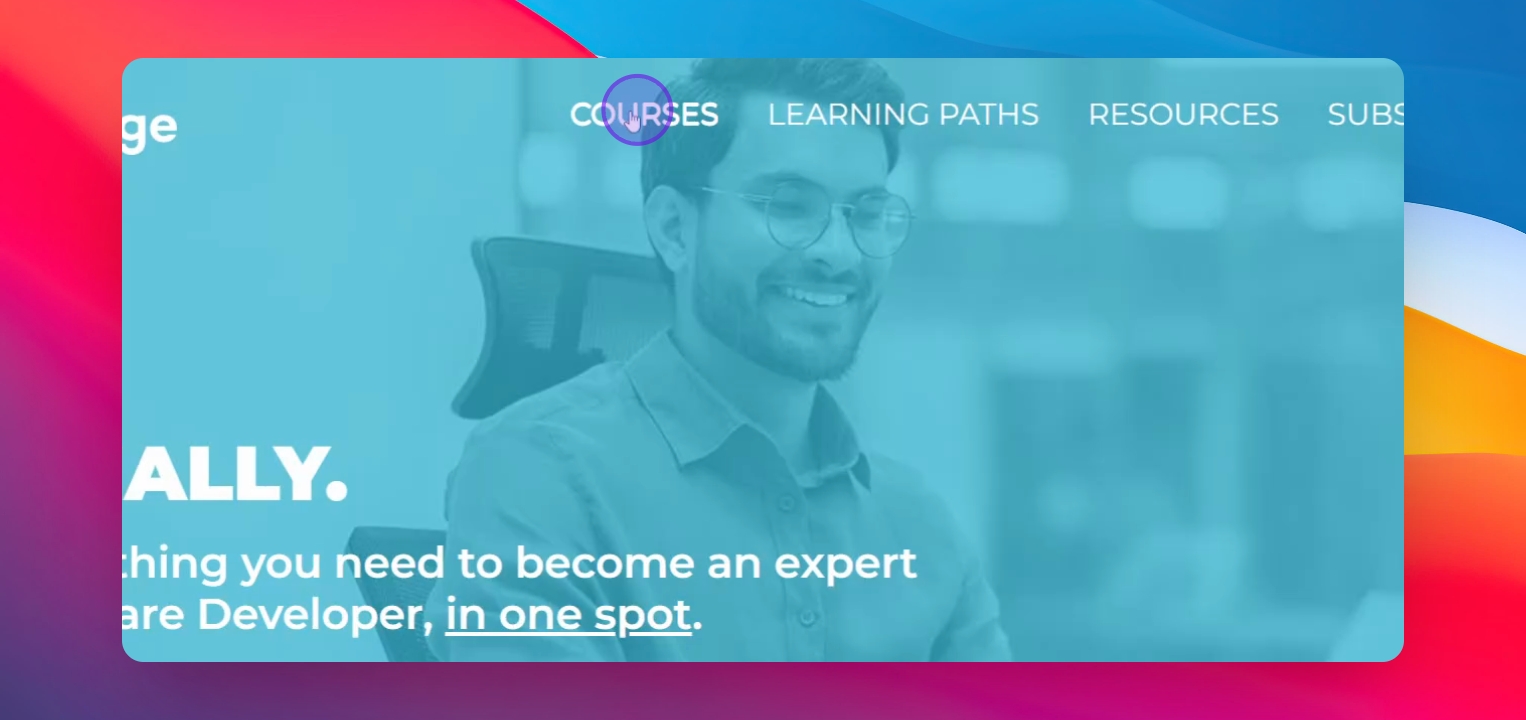
Navigate to courses page
Go to the courses page and select the master course.
2
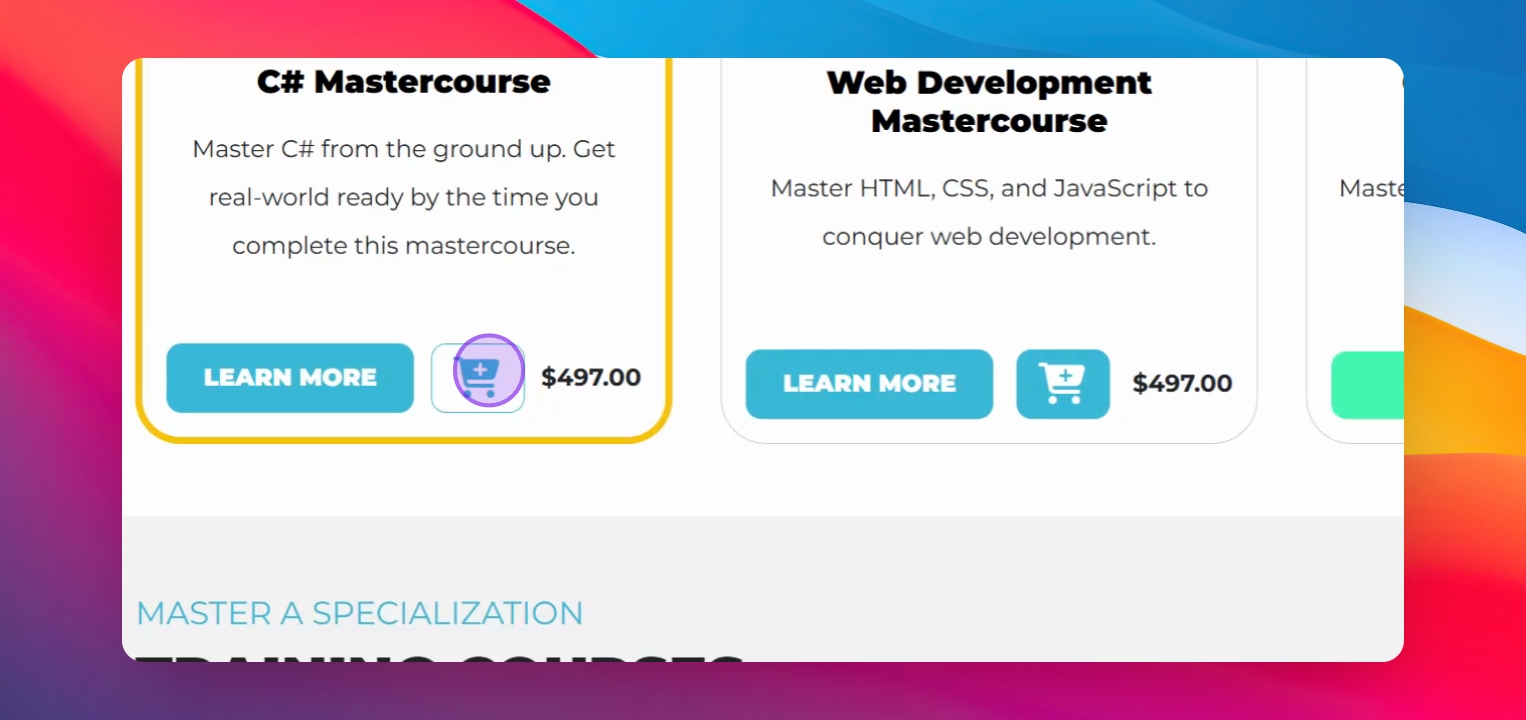
Add course to cart
Click to add the course to your cart.
3
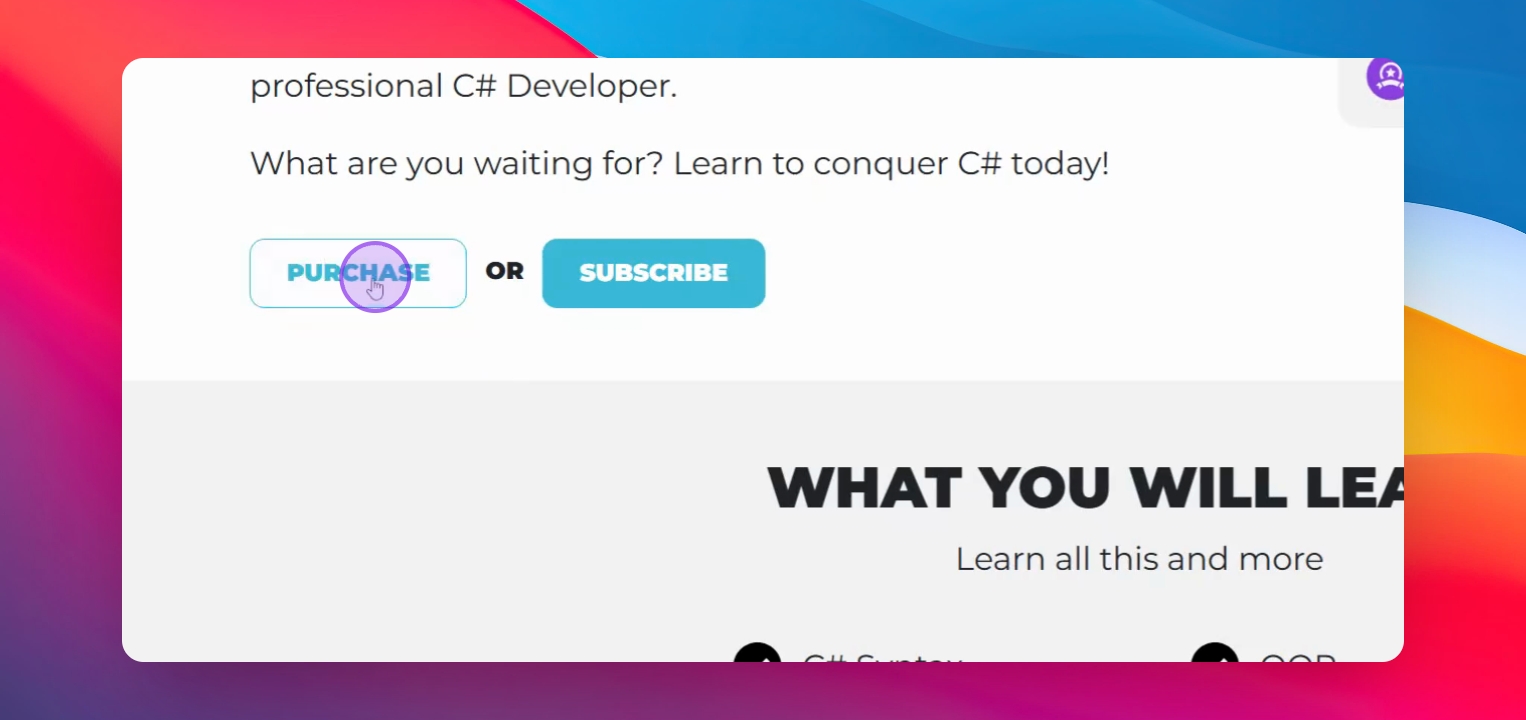
Click purchase
Scroll down and click the purchase button.
4
Enter payment info
Fill out your payment information and complete the transaction.
Let's Do It Together!
Step 1: Go to Courses Page
Navigate to the courses page.
Select the course you want, in this case the C# Mastercourse. You do NOT need to have an account prior to a purchase. One will automatically be created.
Step 2: Add Course to Cart
Click to add it to the cart or click again to remove it.
If you want to learn more about the course, click the link provided.
Step 3: Proceed to Checkout
Scroll down and click the purchase button.
Verify the course is in your cart.
Step 4: Complete Payment
If you are tax exempt, use the provided link.
Choose from the multiple payment options
Enter your payment information.
Then click Pay.
Check your email for the enrollment confirmation.